New: VAIL SUMMIT - A portable ham radio toolkit & CW trainer. Now in beta testing. New: VAIL ZOOMER - Send Morse code during Zoom, Teams, Discord & more.
For CW Enthusiasts

The Ultimate Morse Code Interface

Connect your Morse code key to any computer for practice, training, and on-air operation with zero-delay sidetone.

Zero-Delay Sidetone Open Source Works with Zoom ∞ Compatible Apps From $22
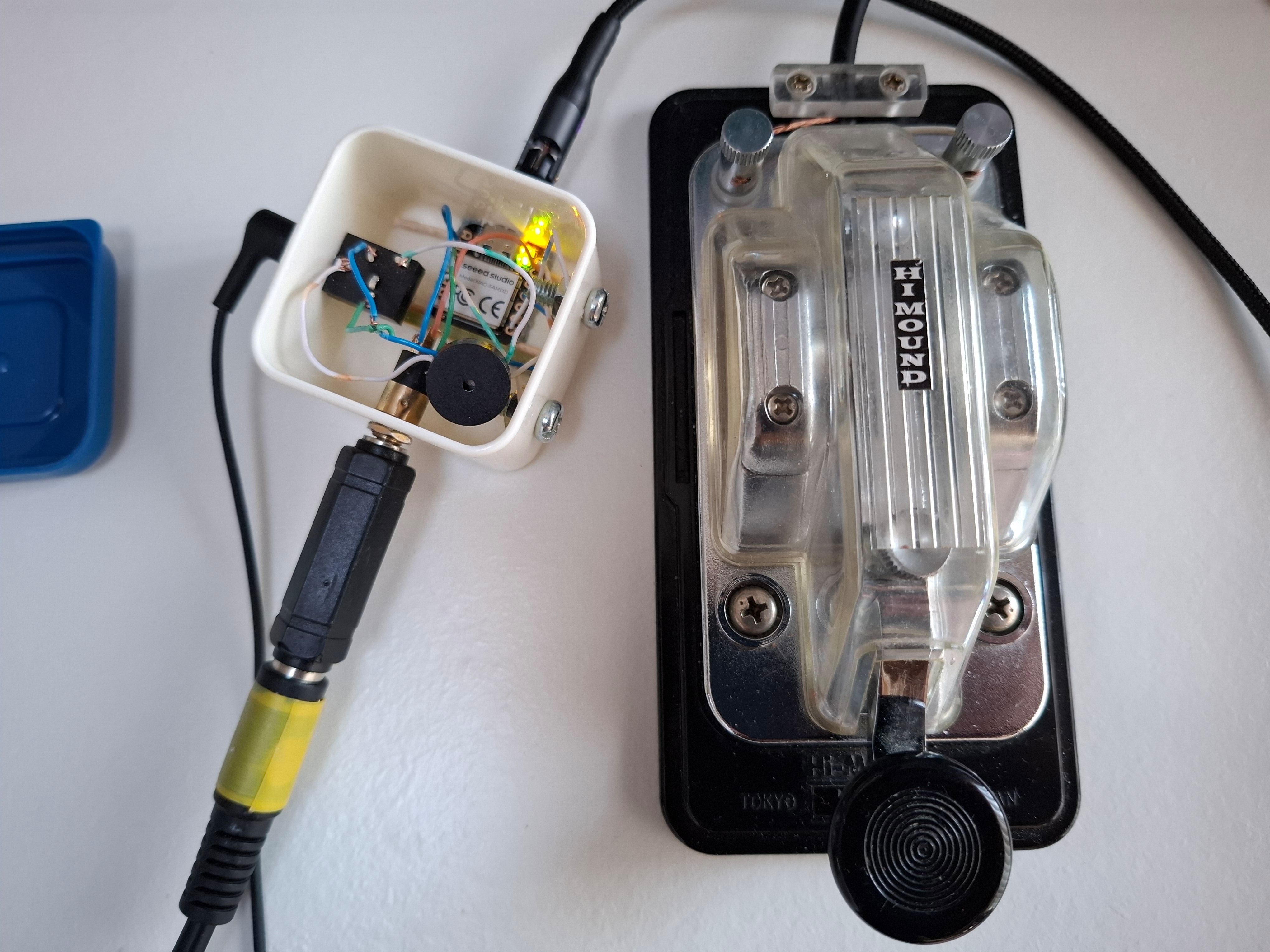
Vail Adapter

Three Ways to Use Your Adapter

The Vail Adapter operates in three distinct modes. MIDI and Keyboard modes switch automatically, while Radio mode is entered manually for on-air operation.

MIDI Mode

Configure settings and practice with vailmorse.com's built-in decoder and worldwide internet repeater.

Keyboard Mode

Use with VBand, Morse Invaders, training tools, and other browser-based apps that accept keyboard input.

Radio Mode Advanced

Key your radio directly for on-air CW operation. Works standalone or connected to a computer.

Why Choose the Vail Adapter?

The Vail Adapter offers superior functionality over alternatives, giving you the best experience for both learning and practicing Morse code.

Zero-Delay Sidetone

  • Instant hardware-based audio feedback
  • No latency like web-based solutions

Three Operating Modes

  • MIDI, Keyboard, and Radio modes
  • Key your radio directly (Advanced)

Universal Compatibility

  • Works with straight keys, bugs, cooties
  • Supports Iambic A and B paddles

Practice Oscillator

  • Practice anywhere with USB power
  • No computer or internet needed

Works with Video Calls

  • Send CW during Zoom, Teams, Discord
  • Talk and key at the same time
Learn More →

Elegant Design

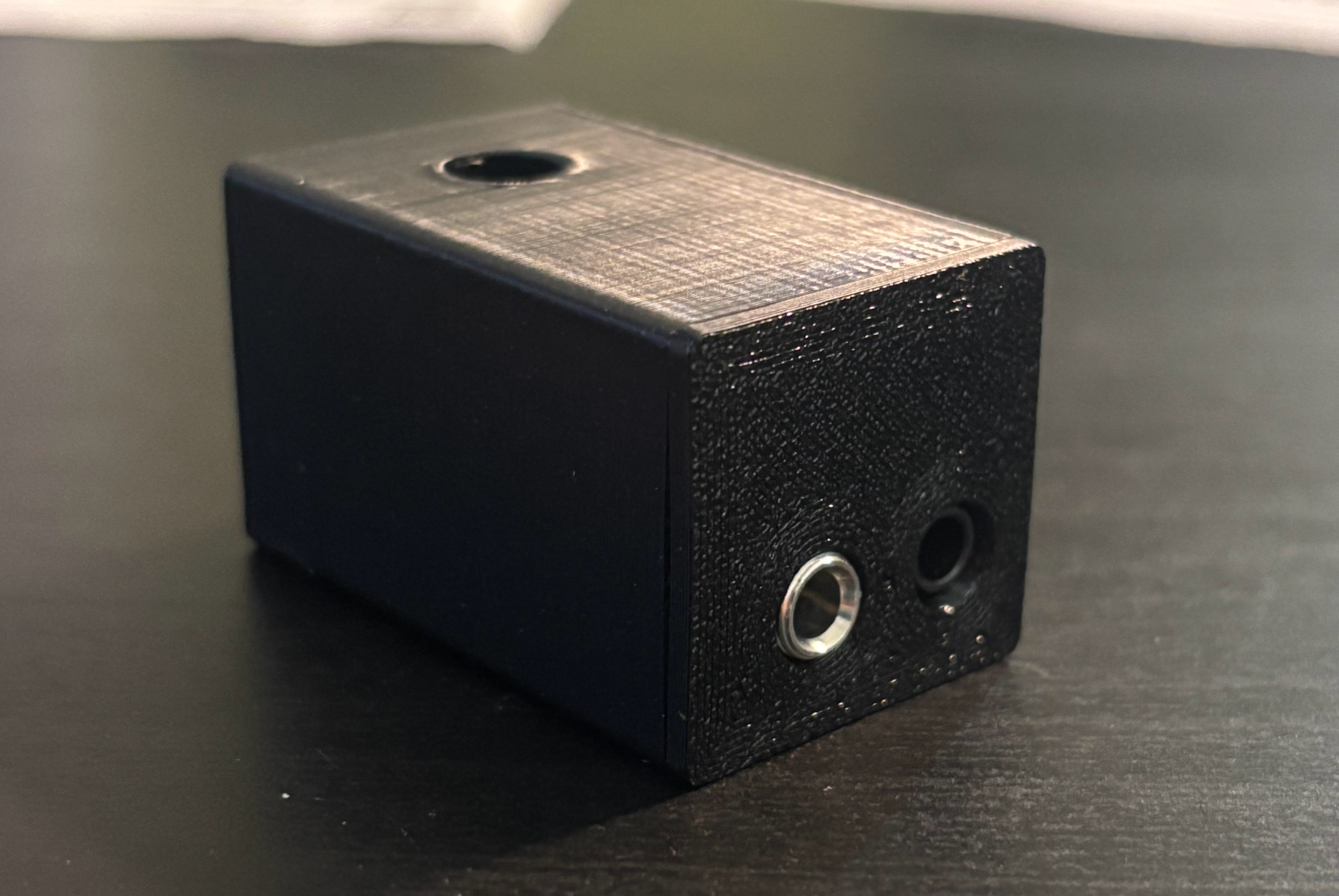
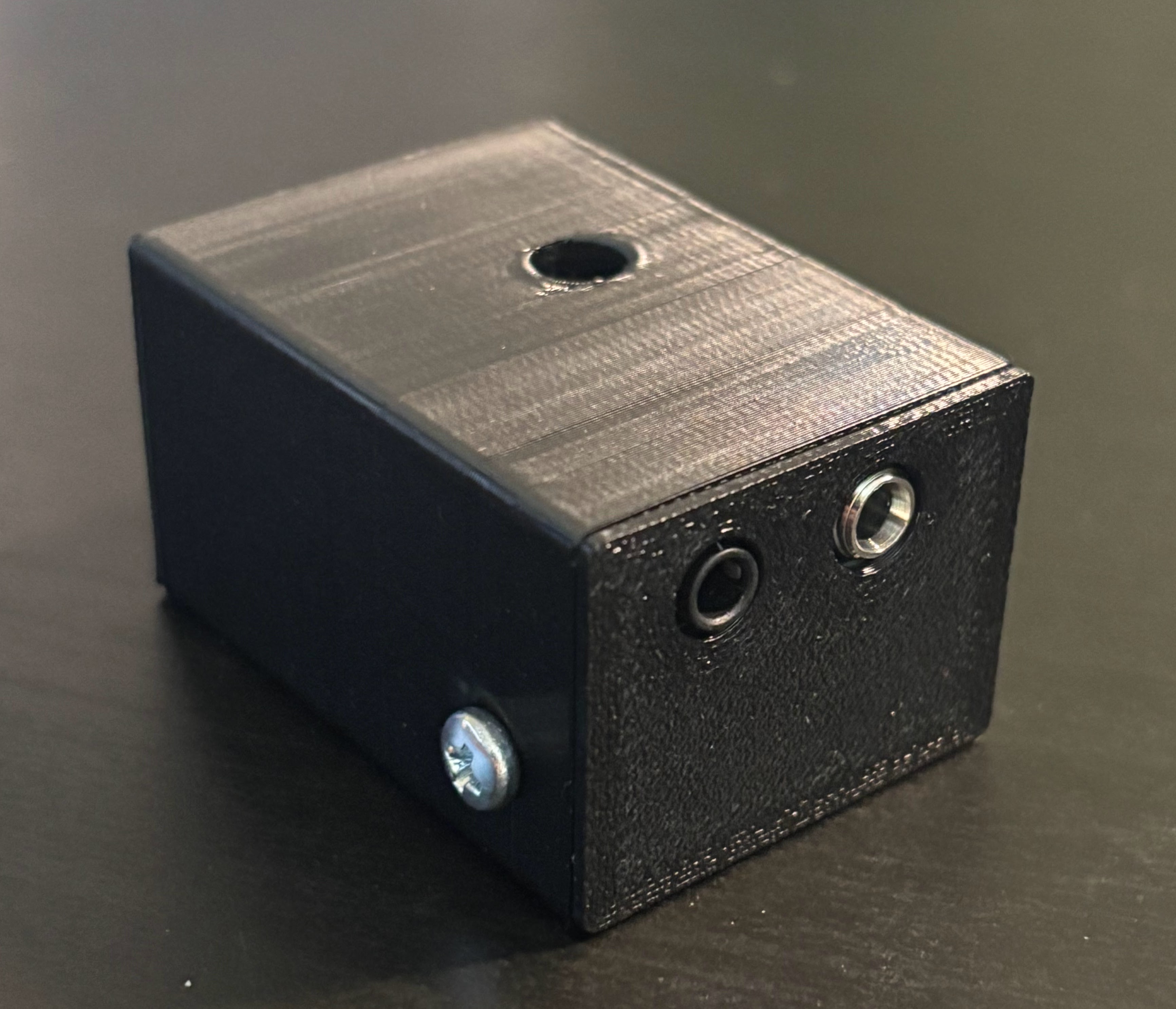
  • Purpose-built PCB with 3D printed case
  • Compact and tidy solution

Get Your Vail Adapter

Choose the option that works best for you. You can build it completely from scratch or get a ready-made version.

Choose Your Option:

Option 1: Build It Yourself (No PCB)

Who this is for: DIY builders who want to source their own parts and hand-wire an adapter from scratch. There's nothing to buy from us.

Source the components yourself and follow our open-source project on GitHub to build your own Vail Adapter from scratch.

DIY Vail Adapter GitHub Project

Required Components:

  • Seeed Studio XIAO SAMD21 or Adafruit QT Py
  • Buzzer Speaker
  • Panel Aux Jack
  • Optional: 3D Printed Case (Download Model)

DIY Assembly Instructions:

These guides are only for the hand-wired build above, not for PCB kits purchased from our shop.

Easy Assembly Guide

Advanced Assembly Guide

Option 2: Order PCB Version

Who this is for: Anyone who wants the easiest path to a finished adapter. No parts sourcing, soldering, or electronics experience needed.

Get a professional PCB version with custom enclosure. Ships fully assembled and ready to plug in, or as a kit if you'd enjoy putting it together yourself.

Vail Adapter PCB View All Devices

Kit Assembly Instructions:

Ordered the assembled version? There's nothing to build, just plug it in. These instructions are only for kit orders (and they're not the Option 1 DIY guides).

PCB Kit Assembly Instructions

Latest Updates

We're constantly improving the Vail Adapter with new features based on user feedback.

Latest

Vail Zoomer - CW in Video Calls

Share Morse code with friends during Zoom, Microsoft Teams, Discord, and any video conferencing app. Talk and key at the same time - everyone on the call hears your CW.

Learn More
View previous updates
January 2026

Button Hat Add-On Now Available

Record and playback CW memories, adjust speed and sidetone settings, all without a computer. Perfect for contesting and POTA operations.

October 2025

Recent Improvements

New sidetone mute shortcut (hold dit for 5 seconds). Fixed keyboard mode control key issues.

May 2025

Practice Oscillator & Keyboard Sidetone

Practice anywhere with just USB power. Local sidetone now works in keyboard mode too.

Compatible Apps & Tools

Your Vail Adapter works with these websites and apps for practice, training, and fun.

Vail Zoomer New

Send Morse code during Zoom, Teams, Discord & other video calls.

Learn More →

Vail Internet Repeater

Practice CW with others worldwide in real-time.

Visit →

VBand

Virtual ham radio experience with CW contacts.

Visit →

Morse Invaders

Classic arcade game controlled by Morse code.

Play →

Vail Training Tools

Learn letters, numbers, and build speed.

Visit →

Morse Battleship

Play battleship using Morse code commands.

Play →

CW Checker

Real-time decoder to verify your sending accuracy.

Visit →

Morse ATC

Air traffic control game using Morse code.

Play →

Morse-it iOS

Practice Morse code on your iPhone or iPad.

Get →

Join the Vail Community

100% open source. Build your own or get support from fellow enthusiasts.